

3 GDPR Traps Hiding in Your Website Analytics Setup
Website analytics are essential for understanding your audience and improving conversions. But hidden in those dashboards could be serious GDPR pitfalls—especially if you’re using tools like Google Analytics or other third-party trackers without realising what data they collect and how.
Here are 3 common GDPR traps lurking in your analytics setup—and how to fix them.
1. Tracking GDPR before consent is given
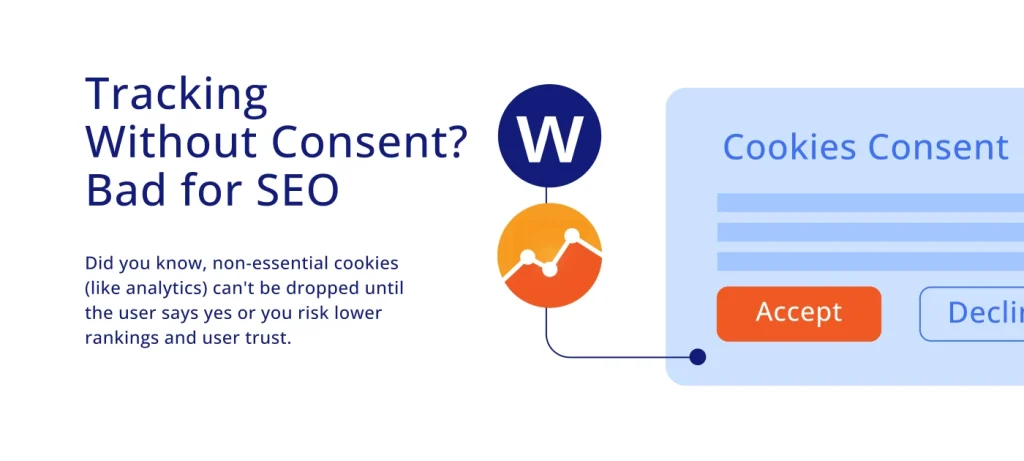
Did you know that many websites automatically load cookies and analytics scripts the moment someone lands on the page—even before the user has accepted or customised their cookie preferences? Not only is this a breach of UK GDPR and PECR, but it can also slow down your site. And since Google uses page speed as a ranking factor—especially on mobile—this can directly impact your SEO performance. To stay compliant and optimise your rankings, use Google Tag Manager with Consent Mode, which ensures non-essential scripts (like analytics and marketing tags) only fire after the user gives consent. Pairing this with a cookie banner and a consent tool helps you stay on the right side of the law while keeping your site fast and search-friendly.
Stay ahead with expert data protection tips
Get practical advice, legal updates, and exclusive insights.
2. Sending personal data to third countries
Your customers may have never been to the USA, but their data might be on a one-way flight. In fact, it’s probably got its own digital passport and is cruising through customs.
Tools like Google Analytics can send personal data (like IP addresses or unique IDs) to servers outside the UK or EEA — often to the US. Without proper safeguards, that trip could break GDPR rules. Think of it like giving your data a passport stamp that says, “I’ve got clearance.” And yes — this needs to be in your privacy policy too.
1. Check where your analytics provider stores and processes data
2. Use GDPR-compliant analytics tools (e.g. GA4 with safeguards)
3. Conduct a Data Protection Impact Assessment (DPIA) if needed
3. Collecting more data than you need
Many analytics tools love to capture more than just your traffic stats—just like being at a bottomless brunch, they can go a little crazy. By reviewing your analytics settings and turning off unnecessary tracking features you put your website on a diet and speed it up in the process.
Remember, you must only collect data that’s necessary and inform users exactly what’s being captured and why. This can also save you time as it will minimise making an extra effort to audit everything.
A few more tips:
- Minimise data collection where possible (e.g. anonymise IPs)
- Ask yourself, do I really need all this user data?
- Review your analytics settings and turn off unnecessary tracking features
- Update your privacy notice to clearly explain what’s collected and for what purpose. People and Google love transparency so why not check out our article on 5 Ways Privacy Policies Boost Your Google Rankings
Analytics are powerful — so is data protection
Website analytics can help you grow—but if they’re not set up with GDPR in mind, they can also create serious compliance risks. Need help with a GDPR audit of your website? Contact us today, we’ll help you stay compliant without losing insight.
Explore more data protection & privacy services
Our team have a deep understanding of the following areas of law and continue to add value to our clients’ businesses.
Latest Insights
- The GDPR Accountability Principle: From Paper to Practice

 Accountability principle As a new consultant at Westbrook Data Protection Services, one of the first […]
 - Changes to employment law and the rise in Data Subject Access Requests
 Changes to employment law and the rise in Data Subject Access Requests Employment Rights Act […]